
Runtimes
Open the runtimes screen
Section titled “Open the runtimes screen”Press Ctrl+R to open runtimes.
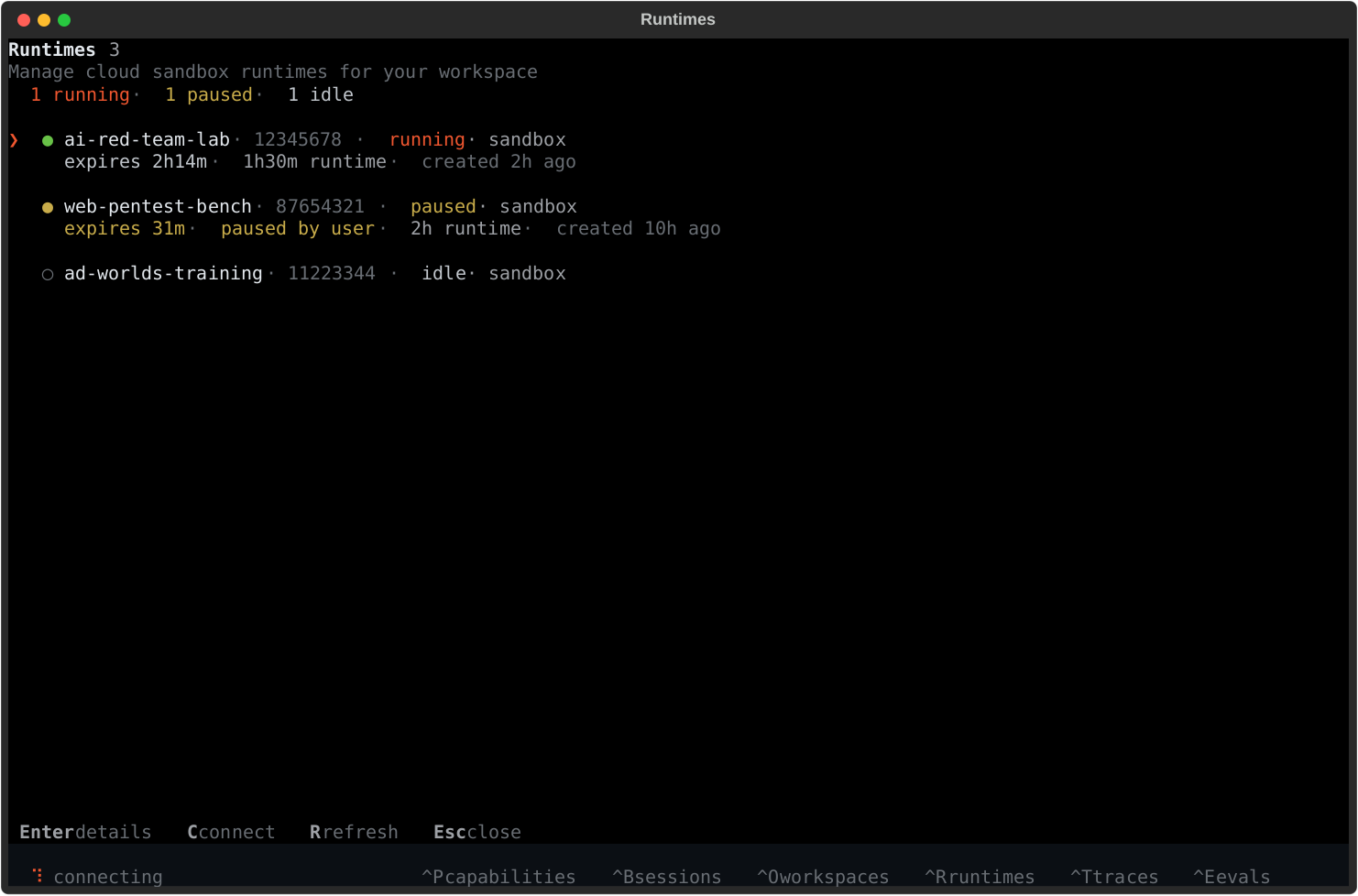
What runtimes are for
Section titled “What runtimes are for”Runtimes are the execution environments behind your TUI sessions.
From this screen you can:
- see which workspace runtimes are running, paused, or idle
- connect your TUI to a remote runtime
- start or resume a sandbox runtime
- inspect expiration windows and runtime duration
- open logs or reset a runtime from the detail view
Typical flow
Section titled “Typical flow”- open runtimes with
Ctrl+Ror/runtimes - inspect status for the runtime you care about
- press
Enterto open its detail view - connect, pause, resume, view logs, or reset from the action list
Useful controls
Section titled “Useful controls”Enter- open detail viewc- connect to a running runtime when availables- start an idle runtime when availabler- refreshEsc- go back or close the screen
For sandbox-heavy workflows, this is the main TUI surface for keeping remote execution, runtime expiration, and workspace state under control.